
Zoho Projects
teams
up with
Slack
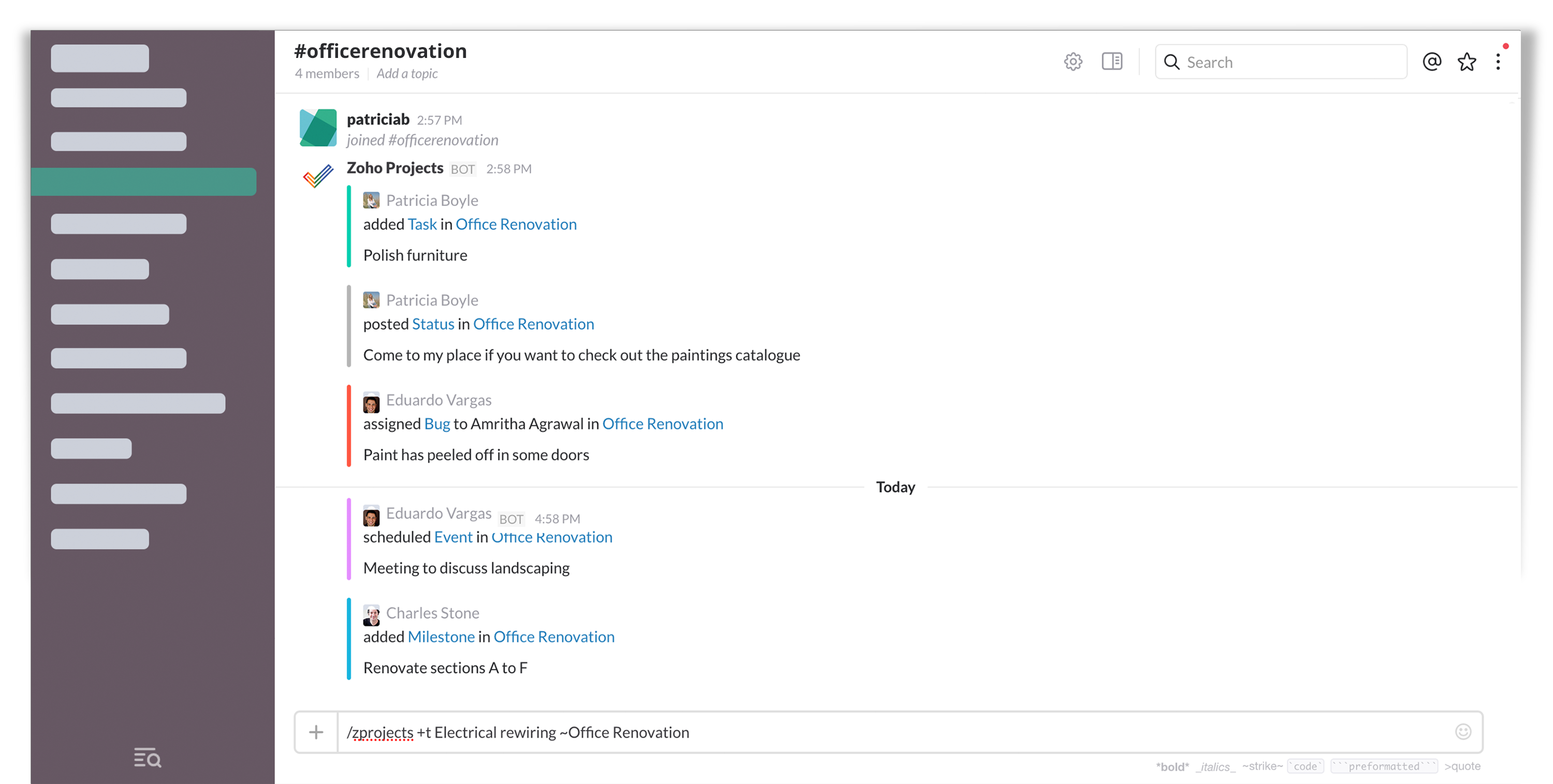
Do you manage your teams using Slack and your projects using Zoho Projects? Bring them both together. Zoho Projects integrates with Slack, allowing you to see real-time project updates in your channel.
Do Now

| Zoho Projects
teams
up with
Slack
Do you manage your teams using Slack and your projects using Zoho Projects? Bring them both together. Zoho Projects integrates with Slack, allowing you to see real-time project updates in your channel. Do Now | |
Integrate with SlackSign in here if you have a Zoho account | |
Club Slack with ProjectsGet notifications of your project activities as and when they happen. Map your project to a Slack channel and choose what you wish to be notified of.Keep conversations in contextZoho Projects gives you detailed insights into your projects, adding depth to your team conversations and keeping them relevant.Perform actions with slash commandsUse interactive slash commands to create items without switching tabs:/setportal - Connect your Zoho Projects portal /createmilestone - Add milestones /createtasklist - Create task lists /createtask - Create tasks /createbug - Report issues /createstatus - Create custom statuses Get real-time project notificationsZoho Projects sends updates to Slack for:Task creation and updates Bugs/issues creation & status changes Comments on tasks/bugs Milestones added or completed | |
|
Zoho Projects Project Management Software © 2026 ZOHO Corp. All rights reserved | |
 You're done !